
Appearance
Dashboard
The Dashboard is your home base in Hyper. It shows your current plan, credit balance, and usage breakdown.
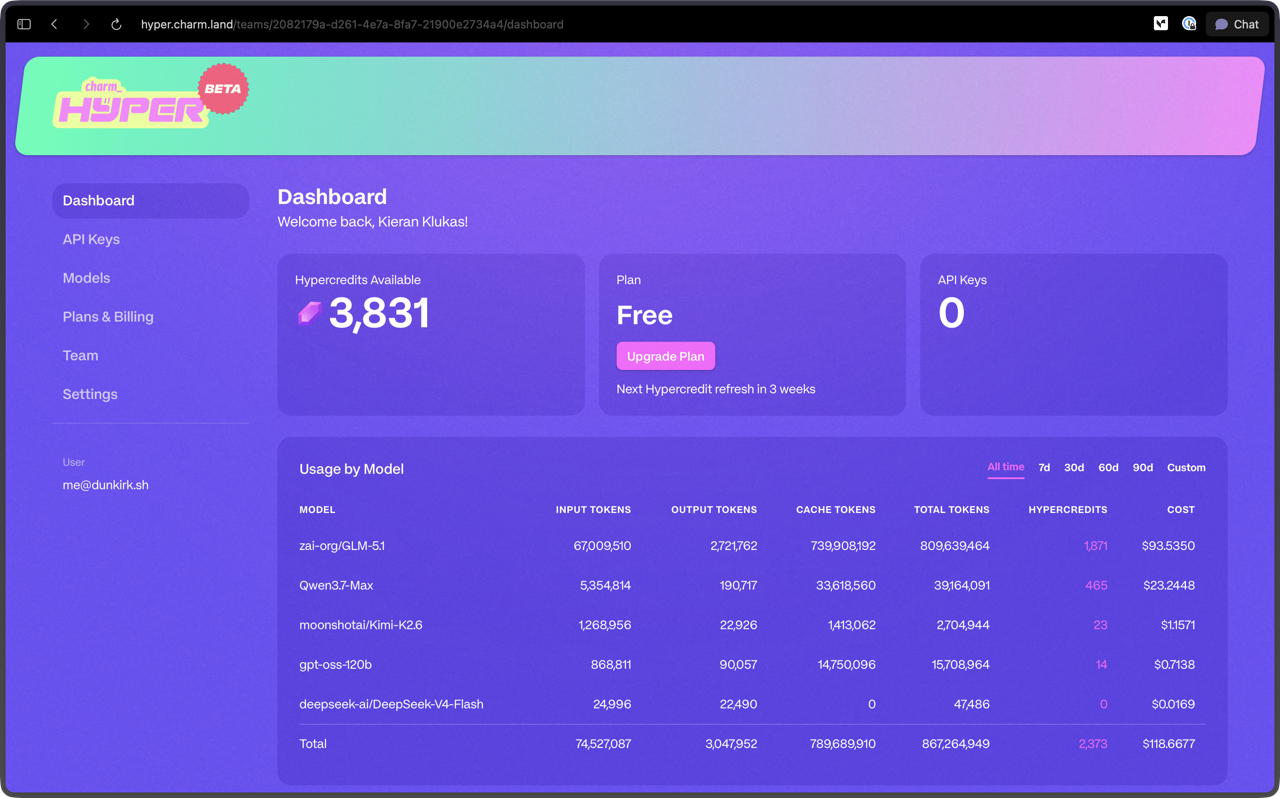
Hypercredits Available
The top card shows your current balance in Hypercredits, split between Subscription credits from your plan and Prepaid credits you have purchased. It also shows which credits are being used, when your plan renews, and whether auto top-up is enabled. See the Hyper FAQ for a full explanation of how Hypercredits work.
If you need more credits, click Change plan to switch tiers or Buy credits to purchase prepaid Hypercredits. Both take you to the Plans & Billing page. Subscription Hypercredits refresh every week on Sunday at 00:00 UTC.
Plan
Your current plan is displayed alongside your Hypercredit balance, with a Change plan option to move to a different tier. Your subscription allocation refreshes every week on Sunday at 00:00 UTC, and the five-hour rolling window determines how much of it is available at any moment. See Plans & Billing for details on available plans and what each tier includes.
API Keys
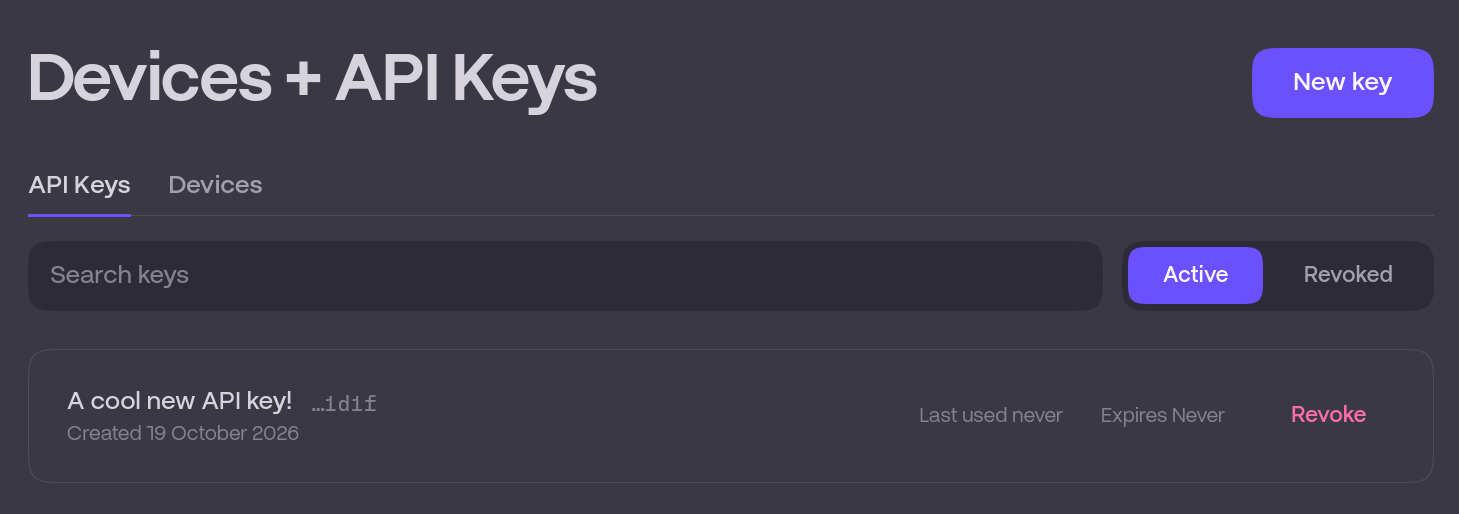
The API Keys section lets you create, view, and revoke API keys for your Hyper account. These keys authenticate your requests to the Hyper API from coding agents or custom integrations. Keep your keys secure and rotate them if you suspect they have been compromised.
Usage by Model
Below the balance card you will find a breakdown of your consumption over time. You can filter by period (all time, 7 days, 30 days, 60 days, 90 days, or a custom range).
The table shows:
- Total Hypercredit and dollar consumption across all models
- Per-model breakdown of Hypercredits and dollar consumption
This gives you visibility into which models are driving your spend and where your credits are going.